Remember their life
A shared place to remember a life.
Gather the stories, prayers and photographs that keep someone close. Invite family and friends to write a tribute, light a candle or share a memory.
How it works
A few simple steps. A place to come together.
- 01
Make it personal
Choose a page type, add a name and photo, and write a welcome message. You'll create a free account to manage your page. Only the creator needs one.
- 02
Bring everyone together
Share your page link in a message, family group or community. Guests can leave wishes, tributes, candles or photos with no account and no sign-up.
- 03
Keep the memories together
Gather tributes, candles and photographs. Manage your page and contributions from your dashboard.
See it in use
A glimpse of what you can create.
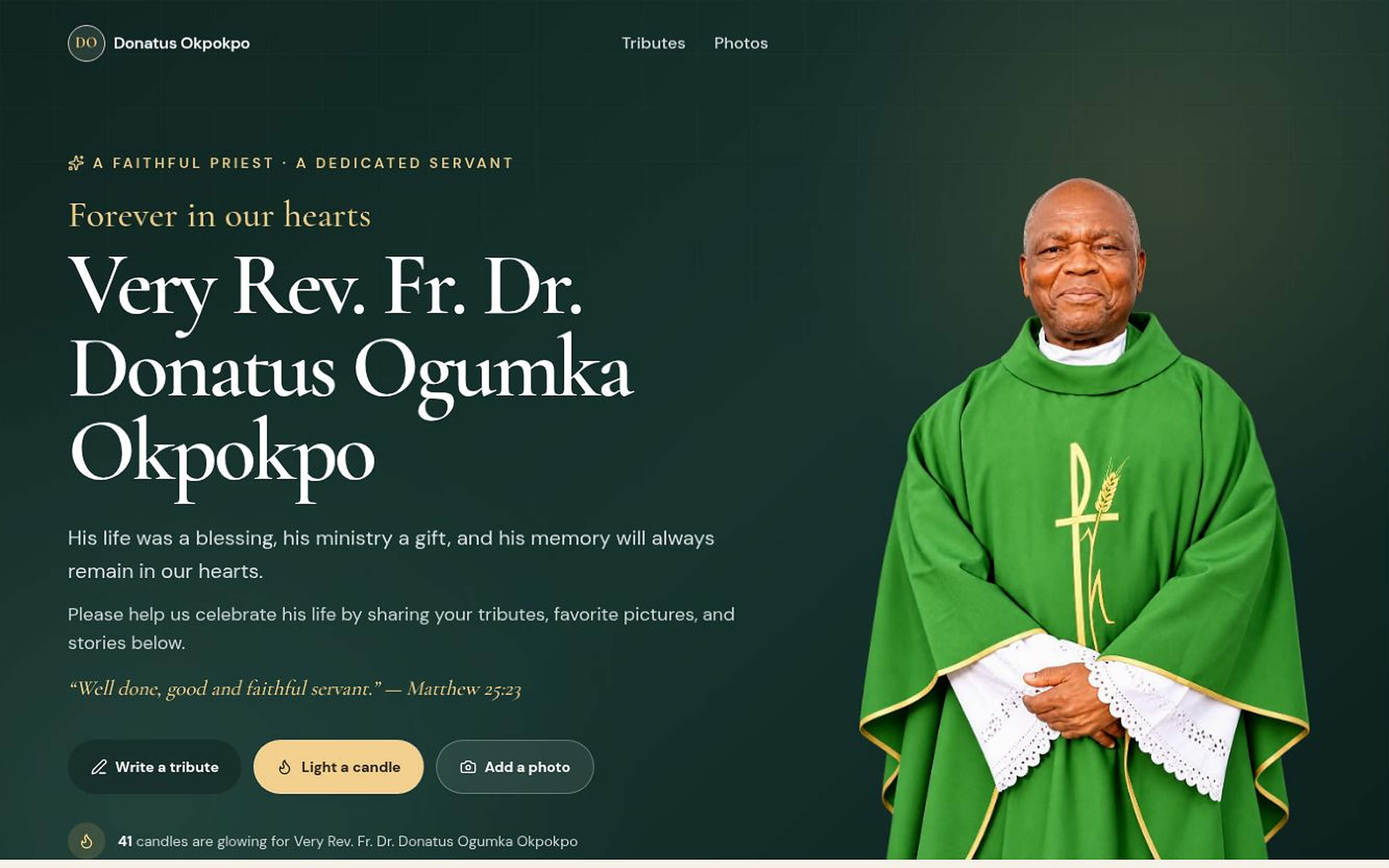
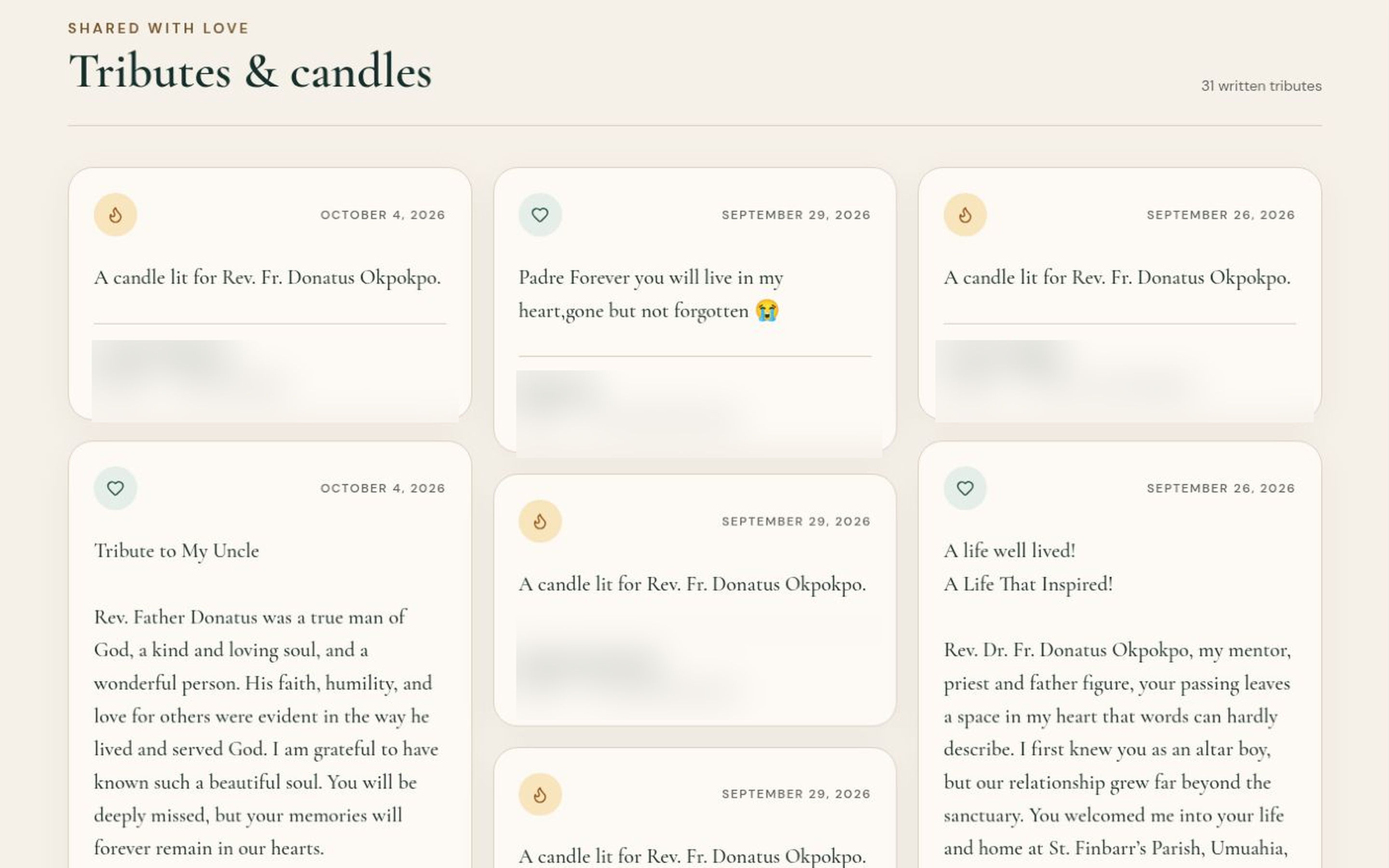
Explore a birthday celebration and a place to remember someone you love, then create a page that fits your people.
A life remembered together
Your page, your care
Make it personal. Keep it welcoming.
A photo and a story that feel personal
Add a main photograph, a separate page title and a welcome message. Choose a theme and accent colour.
Simple creator controls
Use your dashboard to edit page details. Guest posts appear right away, and you can hide or delete any of them instantly from your dashboard.
A few things you might be wondering
Do guests need an account?
No. Only the creator needs a free account to manage the page. Guests can leave wishes, tributes, candles or photos with no account and no sign-up. Available contributions depend on the page type.
Can I control what appears on my page?
Yes. As the creator, you can hide or delete any wish, tribute, candle or photo at any time from your dashboard. Hidden posts disappear from the public page immediately.
Can I edit my page later?
Yes. Sign in to your creator dashboard to update the name, title, welcome message, image and appearance, and manage contributions.
How do I share the page?
After creating your page, copy its public link and share it by message, email or in a group.
Who can see my page?
Public pages can be visited by anyone. You can manage page visibility in your creator settings. Only share photos and messages you have permission to publish.
Does it cost anything?
The current version does not charge to create a page or contribute. Any future paid offer will show its price and terms before you pay.
Give their memories a shared home.
Add the details, choose a photo and invite others to contribute.